
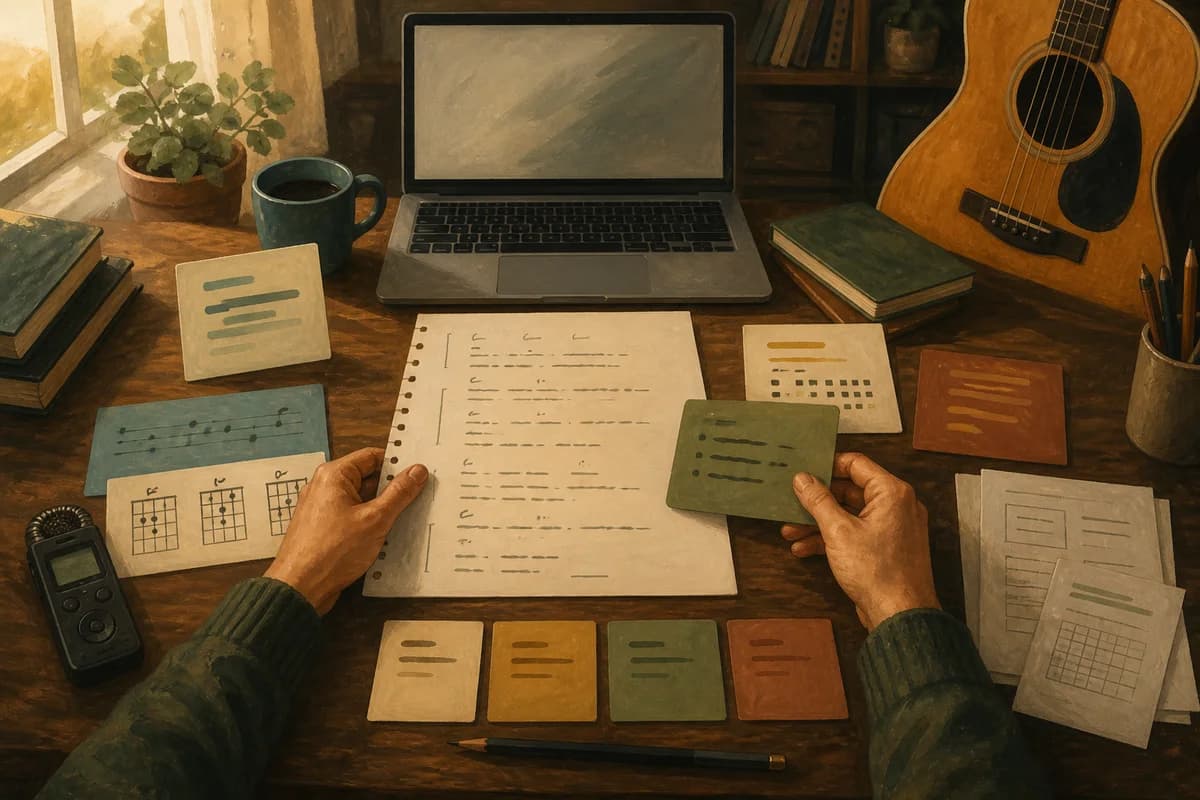
A useful songwriting app for Mac should make the next writing decision easier: capture a thought quickly, keep lyrics and chords readable, hold on to audio takes, show what changed and let you hand the work to someone else without a scavenger hunt. It should also be honest about its limits. A focused, human-led writing room can be a better fit than an AI tool, a DAW, a long-form document or a simple notes app, depending on the moment. This guide gives you a fair way to choose.
For a local Mac writing room, see Kordra Studio. For planning and reviewing an AI-assisted project before Suno or Udio, see Kordra Music. They are sibling workspaces for different creative decisions, not steps on an upgrade ladder.
Start with the writing job
When a focused writing room helps
The right starting question is not “Which app has the most features?” It is “What am I trying to do with this song today?” If you are collecting a line on the train, shaping a verse at the piano, recording three possible choruses or preparing a clean lyric and chord handoff, a focused writing room keeps those actions close together. You can stay with the song instead of rebuilding its context every time you open a different tool.
This matters when a song is still becoming itself. Early ideas are often untidy: a voice memo contains the rhythm, a notebook has the better image and a chord change is written in the margin. A useful app lets those pieces sit beside one another without asking you to decide too soon which one is “the real” version.
When another tool is the honest choice
A songwriting app is not automatically the best home for every stage. Choose a DAW when the central work is multi-track recording, detailed editing, mixing, plug-ins or MIDI. Choose a document when you need long-form lyric drafting, extensive comments or a shared editorial workflow. Choose a simple notes app when speed of capture matters more than structure and you are happy to organise later. The useful choice is the one that matches the job, even when that means using more than one tool.
Criterion 1: writing stays readable
Keep lyrics and chords in context
Words and harmony are easier to revise when they can be read together. Look for a lyric view that makes section breaks clear, a chord layer that does not obscure the words and a way to move between lines without losing your place. You should be able to ask, “Does this chord support this vowel?” or “Is the pre-chorus actually changing the thought?” without translating the song into a spreadsheet first.
The same principle applies to notes. A short instruction such as “hold the last word longer” or “try the darker voicing in verse two” is more useful beside the relevant section than in an unconnected project note. Readability is not decoration; it protects the tiny decisions that make a song feel like yours.
A blank page should still be useful
Good songwriting software does not need to fill the page with prompts. It should give you a calm place to begin, then make capture and revision feel light. Quick capture, a focused writing mode and clear section labels are valuable because they reduce friction without trying to write the song for you. If you want a starting map for structure, the song structure guide explains how verse, chorus and bridge can each carry a different job.
Criterion 2: capture audio without becoming a DAW
Voice memos and takes should stay attached
A melody often arrives before the words are ready. A useful writing app lets you record that shape, keep several takes and return to the exact moment that sparked the idea. Look for simple controls such as markers, loops or a take list that helps you hear the difference between versions. The aim is not to build a mixing console; it is to keep the evidence of the writing session close to the lyric.
Imagine recording a chorus three times: the first has the best lift, the second has the clearest diction and the third contains a new ending. If the takes are named and attached to the song, you can combine those lessons later. If they are scattered across a phone, a cloud folder and a chat thread, the decision becomes harder than the writing.
Know the boundary
There is a meaningful difference between keeping a reference take and producing a finished track. A focused songwriting room can help you remember, compare and annotate the former. It does not replace a DAW for editing a full arrangement, balancing a mix or managing a large recording session. Clear boundaries are a sign of a trustworthy product, not a missing feature.
Criterion 3: versions should explain decisions
Name the moment you want to remember
“Song final” is rarely a useful version name. Prefer a small explanation: “v04 — chorus opens later”, “v05 — lower verse melody” or “v06 — keep the bridge image”. The name becomes a memory aid when you return a month later and cannot remember why a line changed. A decision note is even better: write what you were testing, then record what you heard.
Compare without losing history
Revision should feel reversible. Look for a system that keeps earlier versions intact, gives each snapshot a stable identity and lets you restore an earlier direction without silently overwriting the work that came after it. This is especially useful when a co-writer likes an older chorus or when a new arrangement makes the original lyric feel more honest. The versioned writing workflow and songwriting version-control guide show why a visible thread of decisions is kinder than a folder full of unnamed exports.
Criterion 4: offline work and local ownership
Work when the network is not part of the session
Song ideas do not wait for a reliable signal. If an app is local-first, you can write in a rehearsal room, on a flight or at a kitchen table without turning the session into a connectivity test. Offline behaviour should be more than a marketing phrase: open an existing song, add a note, record a take, save a version and reopen it before you trust the claim. A local workflow also makes the product boundary clear: the writing stays on your Mac unless you choose to export it.
Export deliberately
Ownership becomes practical at handoff. Check whether the app can produce the formats the next person actually needs: a readable lyric, a chord chart, a review document, a plain-text or Markdown copy, credits and a package that preserves context. Export should not flatten every decision into one mysterious file. It should give you a choice about how much of the working history travels with the song.
Also check the commercial model. The current Kordra Studio Mac App Store listing describes a one-time purchase with no subscription, account or cloud requirement. That is useful for songwriters who want a local writing room, but you should still read the live listing for current price, compatibility and storefront availability before buying.
Criterion 5: handoff matches the next person
Choose the format for the next conversation
A producer may need a clear lyric and a rough reference. A co-writer may need the previous chorus, the reason it changed and a question to answer. A session musician may need chords, section labels and a tempo note. A good app helps you prepare the smallest useful handoff for that conversation rather than exporting everything by default.
Let credits and context travel together
Names, splits and source notes are part of the song’s history. Keep them factual and easy to review, especially when several people contribute words, melody or a reference take. A handoff that includes context reduces the chance that a collaborator is asked to guess which file is current or who should be credited. For AI-assisted projects, the same discipline helps: the brief-to-clean-export workflow keeps intent, structure, review and export connected before a project moves into another tool.
A fair five-minute test
Bring one real song
Do not evaluate an app with a blank demo project alone. Bring a song that has one messy voice memo, a half-finished verse, a chord idea and at least two possible directions. The friction you feel while importing, arranging and revising that real material will tell you more than a polished tour of features.
Ask five questions
Can I capture an idea in seconds? Can I read lyrics and chords without visual clutter? Can I hear and label a few takes? Can I make a named version and understand why it exists? Can I export a handoff that another person can open and trust? If the answer to one question is no, decide whether that is a true blocker for your work or a boundary you can accept. A focused product should make its trade-offs visible.
Who should choose a DAW, document or notes app instead
Choose a DAW when the song is already an audio production: you need multiple tracks, detailed edits, software instruments, plug-in chains or a mix-ready session. Choose a document when the main activity is writing many pages of lyrics, collecting detailed comments or working with an editor who lives in shared documents. Choose a notes app when you want a frictionless inbox for fragments and do not mind doing the organising later.
There is no virtue in forcing every creative moment into one application. Some songwriters capture in a notes app, shape the writing in a dedicated room and finish the recording in a DAW. The useful question is whether each handoff preserves the part of the song that matters. If a tool makes you spend more time managing files than listening, it may be the wrong room for that stage.
What Kordra Studio is designed to do
Kordra Studio is a native, local-first Mac writing room for people who want to stay close to the human work of songwriting. Its current product page brings capture, lyric and chord writing, audio takes, named versions, credits and handoff into one calm workspace. It deliberately has no generative AI in the writing room, so a line, melody or structural choice remains yours to make.
Studio is available through the Mac App Store listing. The UK listing currently shows a one-time purchase for Mac, with Apple silicon and macOS 15 or later required; check the listing for the latest details. Its export options include formats such as ChordPro, PDF, DOCX, text, Markdown and credits CSV, so a song can leave the room in a form that suits the next conversation.
Studio is not a DAW or a generic project-management system. It is also separate from future Kordra Capture and Kordra Canvas work. Those workflows are intended to connect more creative moments over time, but the live Studio product should be judged on what it does today. The Studio launch story explains the songwriter feedback that shaped that boundary.
How Studio sits beside Kordra Music
Kordra Music is the available web workspace for planning, writing, reviewing and exporting AI-assisted projects before they move into Suno or Udio. It helps you keep an intent sentence, structure, lyric, production direction and review note together. It does not generate audio. Use the Kordra Music product page when the creative question is how to prepare and evaluate an AI-assisted project.
Use Studio when the question is how to write, hear, revise and hand off a song without generative influence in the writing room. If you are exploring language for an AI brief, the public prompt-engineering guide and Blueprint library are useful references; the Knowledge library keeps that planning work separate from the local Studio session.
The practical takeaway
Choose a songwriting app for the work you want to protect. Test writing focus, lyrics and chords, audio takes, version history, offline behaviour, ownership and handoff with one real song. Be comfortable choosing a DAW, document or notes app when its strengths match the job. If you want an affordable, local Mac room for human-led capture, writing, revision and export, get Kordra Studio on the Mac App Store. If you are preparing an AI-assisted project, open Kordra Music. The best tool is the one that leaves you with a clearer next decision and a song history you can still understand.