
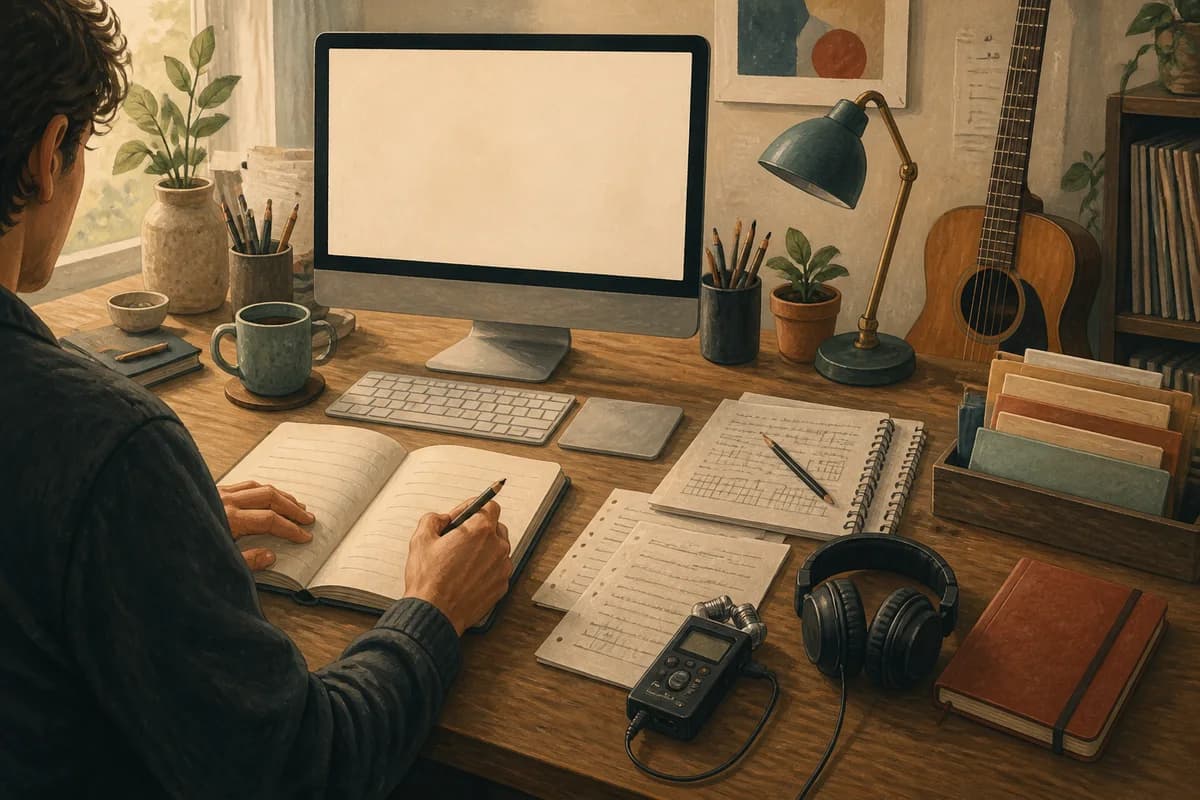
Kordra Studio is now available on the Mac App Store. It is a native macOS writing room for songwriters who want to capture ideas, shape lyrics, keep versions, and prepare a clean handoff without generative AI deciding what comes next.
This launch comes from a simple piece of feedback we kept hearing while building Kordra Music: AI can be useful in the right part of the process, but it is not right for every songwriter or every song. Some writers wanted a dedicated place where the work could stay human. Studio is our answer.
Why we built Kordra Studio
Listening to songwriters using Kordra Music
Kordra Music was created for planning and pre-production around AI-assisted song generation. It helps a music maker make the brief clearer before opening a generator such as Suno or Udio. That job matters, but it also made another need visible. A songwriter might enjoy AI for one project and want it completely out of the writing room for the next. A single workflow could not honestly serve both moments without becoming vague.
The request was not for a larger list of features. It was for a calmer place to write. Songwriters described lyrics in Notes, voice memos on a phone, chord ideas in a message thread and the latest rewrite in a file called FINAL-v4. The creative work was there, but the thread was hard to follow. We stepped back and built a separate app around that problem.
Making room for a different relationship with AI
Studio has no generative AI in the writing process. That is not an anti-technology statement, and it is not a judgement about how anyone else should make music. It is a clear boundary. When you open Studio, the next line belongs to you. The app can help you capture, organise, compare and export the work, but it does not suggest a lyric or make a creative decision on your behalf.
What Kordra Studio brings together
Studio gives the working parts of a song one persistent place to live on your Mac. The aim is not to turn songwriting into project management. It is to keep the useful context close enough that you can stay with the song.
Capture the fragment
A song often starts smaller than a song. It might be one line, a chord change, a melody hummed into a phone or a thought that arrives while you are walking. Quick Capture lets you type a note, record a sketch, or add chords, tempo and tags before the idea disappears. You do not need a finished title or a complete plan to give the fragment a home.
Write in context
When the idea becomes a song, Studio gives you a readable manuscript with structured sections, lyrics and chords. Key, capo, tempo and song form stay near the writing when they are useful, rather than being hidden in a separate document. You can paste lyrics you have already started or begin from a blank song and let the structure arrive at its own pace.
Revise, review and hand off
Revision is where many songs become difficult to trust. Studio lets you name meaningful versions, compare a direction and restore an earlier idea into a new working draft without overwriting the history that got you there. Notes, contributors, roles and split proposals stay attached to the local project. When the song is ready to leave the room, export the format the next person actually needs, including ChordPro, PDF, DOCX, plain text, Markdown, JSON and credits CSV.
A local-first writing room for Mac
No account or cloud dependency
Studio is designed to work locally and offline. Creating, opening, editing, recording, versioning and exporting your local work do not require an account, sign-in or cloud service. Your project packages live on your Mac, and the library index can be rebuilt from those packages if it ever needs repairing.
Your work stays yours
Nothing leaves your Mac without an intentional export or share. That matters for unfinished songs, private voice memos and the rough drafts that are not ready for anyone else. Studio is a writing room, not a public feed. It keeps the working record close while leaving the decision about what travels entirely with you.
How Studio sits beside Kordra Music
Studio and Music are sibling products with different jobs. Kordra Music is the available web workspace for planning and pre-production around AI-assisted projects for Suno or Udio. Studio is the native macOS writing room for songwriters who want no generative AI in the writing process. You can choose the environment that matches the song in front of you rather than forcing every idea through the same tool.
That separation is deliberate. The product boundary lets Kordra Music stay useful for a clear brief, a production direction and a repeatable AI-assisted experiment, while Studio stays focused on capture, composition, revision, authorship and handoff. Read the Kordra Studio product page for the full workflow, or explore Kordra Music when planning before generation is the work you need to do.
The road ahead: Capture and Canvas
Studio is also the first desktop piece of a wider creative direction for Kordra. The next parts are being shaped around two different moments: preserving the idea when it is still small, and turning references into decisions before the making begins.
Kordra Capture for the first small moment
Kordra Capture is the direction for a private, local-first pocket front door: a place to preserve a line, voice memo, image, link or note as soon as it appears, then prepare it for the right next room. The intention is to make the move into Studio feel natural without forcing a songwriter to organise the whole project at the moment of capture. Capture is follow-on work, not a claim about a feature included in this Studio launch.
Future Kordra Canvas work for creative direction
Kordra Canvas is future work exploring how scattered references can become explicit creative direction. Its job is different again: collect the material around an idea, make the important decisions visible, and export a useful brief when the direction is ready. We are treating Canvas as a product to validate and build carefully, not as something Studio already depends on. The connection we want is additive: Capture preserves the spark, Canvas clarifies direction, and Studio gives the song a focused place to develop.
Get Kordra Studio on the Mac App Store
Kordra Studio is available in the US and UK for Apple silicon Macs running macOS 15 or later. If you want a local-first writing room for lyrics, chords, takes, versions, notes and handoff, get Kordra Studio on the Mac App Store. You can also revisit the full Studio launch page to see how the workflow moves from capture to export.
The practical takeaway
Kordra Studio exists because songwriting is not one kind of work. Sometimes AI belongs in the planning conversation. Sometimes the most useful thing an app can do is stay quiet and give the songwriter a dependable place to write. Studio brings capture, composition, revision, authorship and handoff together on the Mac, with no generative AI in the writing process. It is a focused beginning for a wider Kordra family of creative workflows, built around the same belief: your ideas should stay yours while the tools help you carry them forward.