
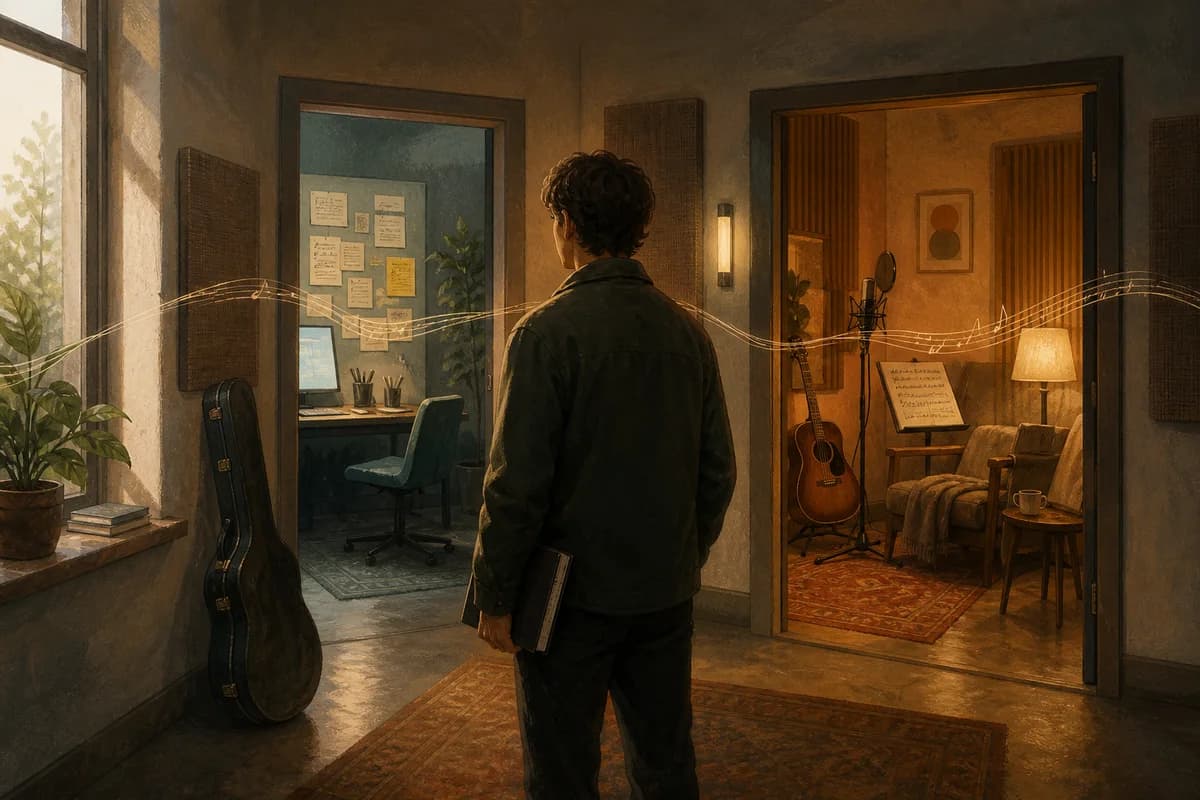
Choose Kordra Music when the work in front of you is AI-assisted planning: shaping an idea, writing lyrics, reviewing a draft and preparing a clear handoff before Suno or Udio generates audio. Choose Kordra Studio when you want a native Mac writing room for human-led capture, lyrics, chords, takes, versions and export, with no generative AI in the writing room. Neither is an upgrade to the other. They are two sibling rooms for different creative moments.
This distinction is useful because “songwriting app” can mean several jobs. You might be deciding what the song is about, trying a chorus at the piano, comparing two vocal takes or preparing a producer-ready lyric sheet. Start with the decision you need to make next, then choose the room that keeps that decision visible.
The short answer: follow the creative moment
When the next decision is before generation
If the song needs a brief before it needs a render, Kordra Music is the natural fit. It is a web planning and pre-production workspace for AI-assisted projects. You can keep the story, structure, lyrics, production direction, versions and review notes together, then prepare material for Suno or Udio. Music helps you arrive at the generation step with a question you can actually evaluate; it does not generate the audio itself.
When the next decision is inside the manuscript
If the important work is a line, chord, melody or take, Kordra Studio keeps you close to the manuscript on your Mac. It is a local-first writing room for developing a song without asking a model to suggest the next line. You can capture a fragment, write in structured sections, name a version and export when the work is ready to leave the room.
Choose Kordra Music for AI-assisted planning
Start with context, not a prompt
Music is designed for the part of the process that is often squeezed between an idea and a generation button. Begin with the thing you are trying to make: a point of view, a scene, a feeling that should change or a question the chorus needs to answer. A Blueprint can hold the story, mood, genre, structure, instrumentation, production direction and vocal intention before you compress anything into a prompt.
That context gives you more useful options than a blank text box. You can start with your own lyric, an existing demo or a rough idea and develop it without pretending the first version is final. The Kordra Music product page shows the current planning, writing, review and export path, while the public Blueprint library offers editable starting structures.
Review before you spend a credit
The useful question before generation is not “Can this prompt sound impressive?” It is “What am I trying to learn from the next result?” Music gives the brief, lyric, structure and production direction a place to be reviewed together. You can notice a chorus that arrives too early, a verse that carries too many ideas or a production note that contradicts the emotional movement before you ask Suno or Udio to interpret it.
This does not guarantee a better generation. It makes the experiment legible. The pre-flight planning guide describes a small, repeatable check: write the intent, give each section a job, read the lyric aloud, choose a modest sonic vocabulary and record what you are testing.
Prepare a clean handoff
When the brief is ready, export the smallest useful package for the next tool. Keep section labels, lyric text, performance direction, tempo or energy notes and the version name close enough that a future you can tell why the package exists. The brief-to-clean-export workflow and the prompt-engineering guide are useful references when you are deciding what belongs in a handoff and what should remain a private creative note.
Choose Kordra Studio for human-led Mac writing
Capture the line, chord or take while it is alive
Studio is built for the moment an idea has arrived but does not yet have a tidy project around it. Capture a lyric fragment, a chord change, a voice memo or a rough sketch, then let it grow in the same local project. Lyrics and chords stay readable in context, while audio takes can keep markers and loops that explain why a particular moment mattered.
The Kordra Studio product page describes a native macOS writing room for lyrics, chords, takes, versions, notes and handoff. It works locally and offline without an account, so a songwriting session does not have to become a test of network access or a decision about what to upload.
Revise without generative influence
Studio has a clear boundary: there is no generative AI in the writing room. That does not make the work less ambitious. It means the next line, the change of chord and the shape of the bridge remain decisions you can hear and make yourself. If you want assistance for a defined planning or review job, move to the Kordra Music workflow deliberately; do not expect Studio to turn a human writing session into a generated song.
Hand off a record you trust
A song can leave Studio as more than an audio file. Named versions, credits, source notes and a chosen export format help a co-writer, musician or producer understand the current work. ChordPro, PDF, DOCX, text, Markdown, JSON and credits exports serve different conversations. Keep the original project and its history on the Mac, then share the part the next person needs.
The Studio launch story explains how songwriter feedback from Kordra Music led to this separate, affordable writing room. The current Mac App Store listing is the source of truth for availability, compatibility and purchase details.
The jobs both products take seriously
Versions should make decisions easier to remember
Both rooms treat a version as more than another file. In Music, a version can preserve the brief, lyric, production direction and review note that explain a generation experiment. In Studio, a named moment can preserve the manuscript, takes, credits and decision that shaped a revision. The details differ because the products serve different workflows, but the principle is shared: a future session should be able to understand what changed.
If your project is beginning to sprawl, the finish-more-songs workflow and songwriting version-control guide offer practical ways to name the decision instead of collecting files called “final”.
Context stays with the song
A lyric without its chord idea can lose its intended emphasis. A generated take without the brief can be difficult to judge. A voice memo without the line that caused it can become a sound you cannot place. Choose the room that keeps the context you need beside the work, and export intentionally when the context needs to travel.
Where the boundaries matter
Kordra Music is not an audio generator
Music helps you plan, write, review and prepare AI-assisted projects for Suno or Udio. Those platforms handle audio generation. Keeping that boundary visible makes the workflow easier to trust: Music helps you decide what to ask and how to assess the answer, rather than claiming control over a render it does not produce.
Kordra Studio is not a DAW or a generic project manager
Studio is a focused songwriting room. It is not intended to replace a DAW when you need multi-track editing, plug-ins, MIDI or a finished mix, and it is not a generic project-management tool for every kind of work. A DAW, shared document or simple notes app may be the honest choice for those jobs. Studio is useful when the manuscript, takes, versions and handoff are the work.
Studio Web is separate future work
The native Studio product and any future Studio Web work should not be treated as the same thing. The live Studio offer is the Mac App Store writing room described on the current product page and listing. Future Capture and Canvas workflows may connect more creative moments over time, but they are not reasons to assume features or availability that have not been released.
A five-minute chooser
Write one sentence about today’s job
Try one of these sentences: “I need to decide what this song is about before I generate it.” “I need to keep the lyric and chord change together while I rewrite the chorus.” “I need to compare three takes and send a clear record to a co-writer.” The first points towards Music; the second and third point towards Studio. If none feels right, a DAW, document or notes app may be a better starting point.
Run the two-question test
Ask: is the next decision about the brief going into an AI generator, or about the song I am writing and hearing on my Mac? Then ask: what context must survive the next handoff? The answer should determine the room. Do not choose because one product appears more advanced; choose because it keeps the current creative question in view.
How to choose for common scenarios
A first idea for Suno or Udio
Start in Music if you have a story, lyric fragment or reference and want to shape a structured brief before generation. Build the intent, section map and production direction, review the contradictions and export a focused handoff. The Knowledge library can help you find language for structure and direction without turning the prompt into a pile of tags.
A chorus at the piano
Start in Studio if the chorus is arriving through your hands and voice and you want the writing to stay yours. Capture the take, place the words and chords in context, name a version and return to it tomorrow without needing a model to decide what comes next.
A co-writer handoff
Choose the room that contains the source of the next conversation. If your co-writer needs the generation brief and the question you are testing, Music keeps that planning context close. If they need the manuscript, takes, credits and the version that taught you something, Studio keeps that human writing record close. Export only what helps them respond.
Use both without making an upgrade ladder
A song can move through different rooms as its needs change, but that does not make one product a higher tier. You might write a chorus in Studio, then build an AI-assisted arrangement brief in Music. You might plan a Suno or Udio experiment in Music, then bring the useful human decisions back to a local writing session. Treat any movement as an intentional handoff: name the version, keep the source material and record what you learned. Do not assume the products share a live project or synchronise automatically unless a current product page explicitly says so.
The goal is a clear next decision. Music gives an AI-assisted project enough shape to review before generation. Studio gives a human-led song enough calm to capture, revise and hand off. Your process can include either room, both rooms or another tool entirely.
The practical takeaway
Choose Kordra Music when you are preparing and reviewing an AI-assisted project before Suno or Udio. Choose Kordra Studio when you are writing, hearing, revising and exporting a song locally on a Mac without generative influence in the writing room. Start with the creative moment, test the handoff you need and keep the boundaries honest. Open Kordra Music for planning, or see how Kordra Studio works and choose the room that fits the song in front of you.