
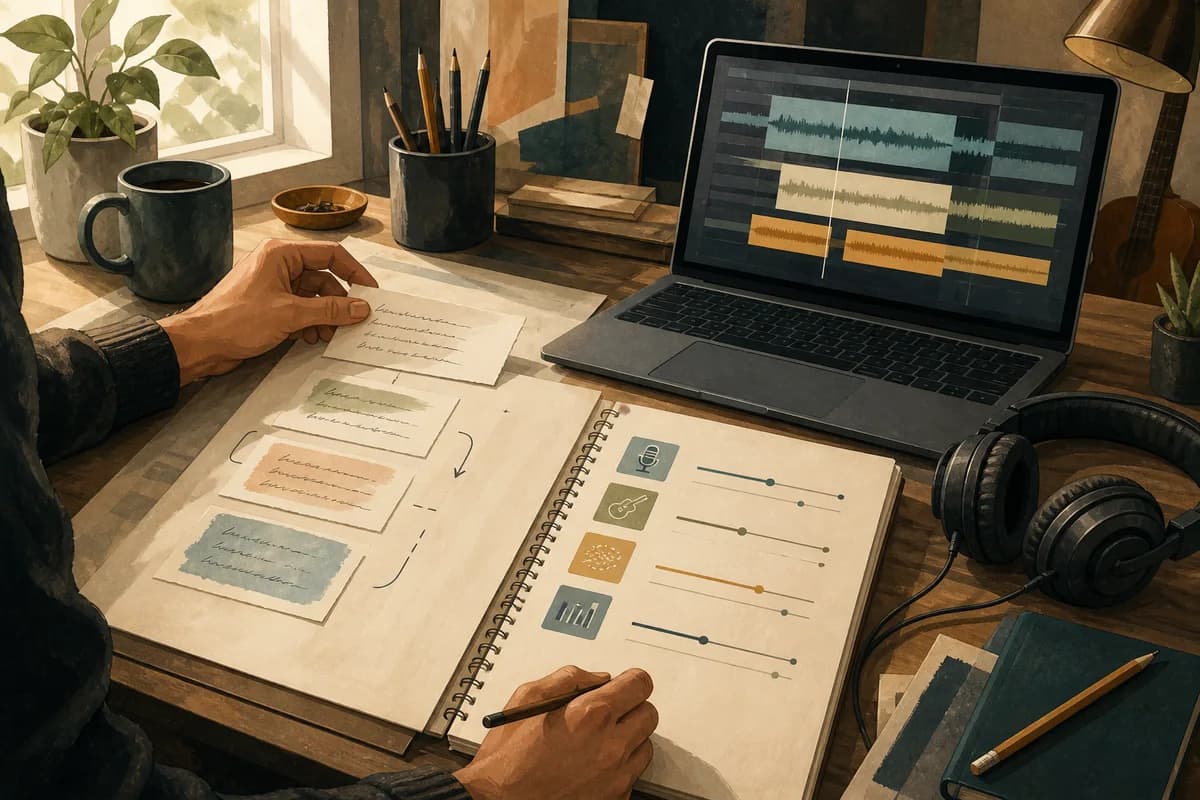
A repeatable Udio prompt starts before the prompt box. Decide what the song needs to communicate, how the lyric should move and which production changes the listener should hear. Then turn those decisions into a short, layered brief you can revise without losing the thread.
This keeps the useful parts of an idea intact. You are not trying to discover a magic sentence; you are building a clear handoff between the lyric, the structure and the production direction.
Start with a song brief, not a tool setting
Write the song intention in plain language before choosing adjectives. Who is speaking? What changes between the first verse and the final chorus? What should the listener feel when the track ends? These answers give the prompt a centre.
Name the listener experience
Try a sentence such as: “The verses feel close and observant; the chorus opens into relief without becoming triumphant.” It gives you a test for every later decision. If a new instruction does not support that experience, leave it out.
Keep the lyric intention visible
A production direction should serve the words. A fragile lyric may need space around the vocal; a busy story may need a steadier rhythmic bed. Keep a one-line lyric summary beside the prompt so the sound does not drift away from the song.
Build the prompt in five useful layers
Treat the prompt as five small decisions rather than one long paragraph. This makes it easier to spot a gap and easier to change one thing at a time. The prompt engineering guide is a useful reference when you want to make those decisions more explicit.
1. Genre and reference point
Choose a coherent sound world first. If you are blending styles, explain the relationship: “indie folk verses with a restrained electronic pulse” is clearer than naming four unrelated genres. The genre guides can help you choose a compatible starting point.
2. Voice and performance
Describe the vocal character and delivery in terms you can recognise when listening: close and conversational, dry and understated, or open with a lightly stacked refrain. Keep the vocal direction connected to the narrator and the lyric rather than adding a generic mood.
3. Texture and atmosphere
Texture is the surface of the track: warm, glassy, dusty, spacious, raw or polished. Pick a few qualities that can coexist. One strong texture usually gives the arrangement more identity than a long list of competing colours.
4. Structure and energy
Give the song somewhere to go. Describe what the verse withholds, what the pre-chorus gathers and what the chorus releases. “Sparse verse, lifted pre-chorus, wide chorus, stripped bridge” is useful because it describes movement, not just section names.
5. Production direction
Use instructions that would be audible in a review: drums enter after the first chorus, backing vocals widen in the final refrain, or the bass stays restrained until the bridge. “Make it cinematic” is a mood; “leave room for the vocal, then widen the final hook” is a decision.
Plan lyrics and production separately, then reconnect
Lyrics and production do not need to be written in the same sentence. First make sure the sections and their jobs are clear. Then add the musical choices that help each section do its job. This keeps a vivid lyric from being buried under a crowded arrangement.
Keep section purpose clear
For each section, write one short note: the verse introduces the problem, the pre-chorus raises the question, the chorus states the turn, and the bridge offers a new angle. You can then choose vocal, rhythmic and textural changes that support those purposes.
Use concrete, hearable instructions
Replace “more emotion” with a change you could point to in a recording. Ask for a held final phrase, a quieter first line, a drum lift into the chorus or a brief drop before the last refrain. Concrete language gives you something to review.
A simple Udio planning example
Imagine a song about returning to a familiar place after a long absence. Your working note might read: “Mid-tempo alternative pop; intimate, low-register vocal; clean guitar and soft synth haze; verses feel like recollection; chorus widens into acceptance; bridge drops to voice and pulse before the final lift.”
That is not a promise that one prompt will produce a finished song. It is a compact brief. If the first result feels too bright, revise the texture or vocal layer while keeping the lyric intention and structure stable.
Review each version with one question
A repeatable workflow needs a review loop. After each render, ask one question that relates to the decision you changed. Did the chorus actually open? Is the vocal still carrying the lyric? Did the new texture add character or just noise? One honest answer is more useful than another prompt copied from memory.
Name the version by the decision
Use names such as “v1 structure”, “v2 vocal” and “v3 chorus lift”. The names are not bureaucracy; they let you return to a useful idea and understand why it worked. Keep the original even when a later version sounds more polished.
Check platform-specific details separately
Platform conventions can change. Before relying on a Udio-specific syntax or control, check its current official guidance. Keep the songwriting decisions in your own brief so your process remains useful even when a tool changes its interface.
Move from prompt to project
A prompt becomes more useful when it belongs to a wider project: the song idea, lyric version, structure, production notes and review history. Kordra Music is the available web workspace for planning, writing, reviewing and exporting AI-assisted projects for Suno or Udio.
When the song needs a stronger shape, start with the Blueprint library and keep the resulting choices beside the project rather than scattering them across chats and notes.
The practical takeaway
Plan the song before you phrase the prompt. Separate genre, voice, texture, structure and production direction; make each instruction hearable; then revise one layer at a time. The result is a workflow you can repeat, review and carry across tools without starting from scratch.