
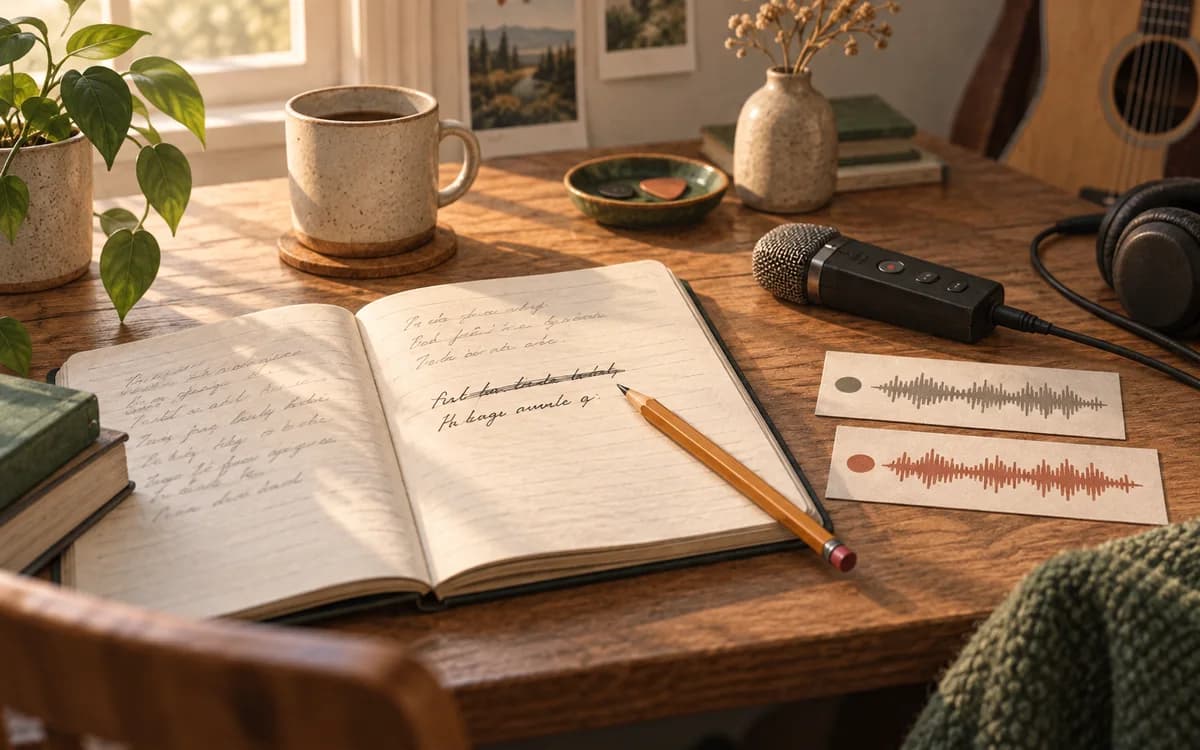
A lyric edit becomes something you can judge musically when you hear it in a new performance. Keep the original attempt, change one thing, record or import another take, then listen with a specific question in mind.
That loop can be small. You do not need to finish the lyric, organise every version or produce a polished demo before testing whether a different line works. You need enough of the song to hear the decision.
Start with a question you can hear
“Make the chorus better” leaves a lot open. “Can I sing the last line without rushing the title?” gives the next attempt a purpose.
Other useful questions might be whether a vowel can carry the held note, whether a phrase arrives too early, or whether the lyric says what you mean when sung at the song's pace. Choose one question before changing several things at once.
For this original example, imagine the line:
I kept every light on until you came home.
The singer likes the meaning but rushes “until you came”. A shorter possibility is:
I left the light on, waiting for you.
The second line changes the image and the ending as well as the length. It is a candidate to sing, rather than an improvement we can establish by counting words.
Keep the attempt that prompted the change
Keep a rough recording of the original, if you have one. It gives you a reference for the phrasing and feeling you were responding to. A note such as “last line feels crowded” may be enough context at this stage.
If there is no recording, sing a quick pass before revising. Record enough of the surrounding phrase to hear where the line sits. The aim is a usable reference, not a performance you would release.
You can name the meaningful version once you decide to keep it. Do not let organising a possibility become the first job of the session.
Write the change, then make another performance
Edit the words and sing them at the intended pace. If the rhythm or melody changes too, notice that: you are comparing a larger musical decision.
Kordra Studio brings lyrics, chords and takes into a local Mac writing workspace. Its public workflow supports recording sketches and importing audio into Takes. That gives the written idea and its recorded attempts a place in the same project.
Editing the lyric does not rewrite the sound in an existing take. To hear the new line, perform and record it again, or import a new recording made elsewhere. If your process uses generated audio, that new audio must come from the external generation tool. The distinction matters because the written draft and the recording can represent different moments in the song.
Listen for the decision, not the recording quality
Play the original and the new attempt with the chosen question in mind. Does the title now have enough space? Has the shorter line lost an image you cared about? Does the delivery make the meaning clearer?
Try to keep accompaniment and recording conditions reasonably similar when practical. A louder, cleaner take can be more appealing for reasons unrelated to the lyric. If you changed the key, tempo or delivery, include that in your judgement.
You might prefer the original words but discover a better rhythm in the second attempt. That is a useful outcome. A test can tell you what to try next without producing a final choice.
Keep a short decision note
Once a change matters, save the relevant version and a note that helps you return to it. “Shorter last line leaves room for the title; restore the porch-light image elsewhere” says more than “better chorus”.
The Mac songwriting-app guide includes versioning among the criteria for a useful workspace. Use that structure when it serves the song, without making every trial an administrative event.
Try one pass in your next session
Choose one line that feels uncomfortable. Keep the original attempt, write an alternative, make another recording and listen for one change. Then decide whether to keep it, return to the first version or test something else.
If you want lyrics, chord context and recorded attempts together in a Mac writing room, explore Kordra Studio. <!--