
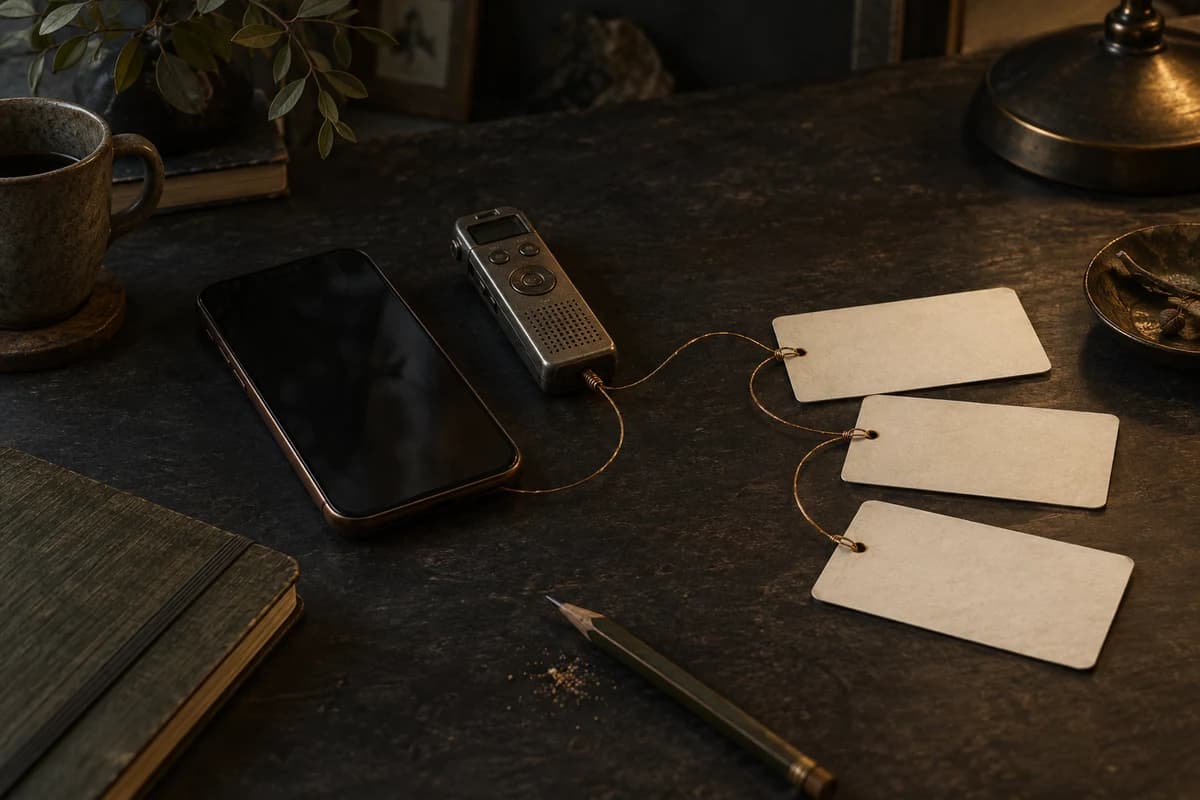
A voice memo becomes much easier to use later when it carries one or two useful clues. Give the idea a short name, say what part of the song it might belong to and note the next thing you want to test. That small amount of context is enough to turn an anonymous recording into a decision you can return to.
Add context after the spark, not before it
The first job of a capture is to keep the idea. Do not make the perfect title, tempo or song structure a condition of pressing record. Save the lyric fragment or melody while it is present, then add context only when it changes how you will find or hear it again.
Start with the smallest useful label
“Voice memo 47” tells you when a file was made, but not why it matters. A short label such as “late chorus lift” or “train-window verse” gives your future self a starting point. It can be provisional. The aim is recognition, not a final song title.
Add one musical clue
Choose the clue that will affect your next decision. It might be a section, a rough tempo, a key, a mood or a note about delivery. You do not need to fill every field. If the idea is only a rhythm, write “rhythm first” and leave the rest open.
Try an original pocket-capture example
The following example is illustrative and written for this article. It is not a customer recording.
Imagine that you are walking home and sing a two-line melody into your phone. The melody rises at the end, but you are not sure whether it belongs in the verse or the chorus. Capture the voice idea first. Then add this light layer of context:
Title: Late arrival
Type: Melody
Possible section: Chorus
Rough tempo: Around 96 BPM
Note: Try the lift after a quieter verse; keep the last vowel open.
That note does three jobs. It makes the idea searchable, records the decision you are considering and gives you a next test. It does not pretend that the section or tempo is settled. When you listen again, you can change the label without losing the original take.
Keep context optional
Context should reduce friction, not create a second writing session. If you have five seconds, add a title. If you have another ten, add a section or a phrase about the feeling. Leave a field empty when it is not useful yet.
This is especially important for ideas that arrive as sound rather than words. A humming take may not have a key you can name. A spoken rhythm may not have a section. “Try against the pre-chorus” is a perfectly good working note while the song is still forming.
Kordra Capture’s current public page describes a local-first iPhone app for text and voice ideas, with optional songwriting context such as title, tags, type, section, mood, key, tempo and chords. Capture is coming soon to the App Store and has no public release date yet, so treat this as the intended workflow described by the product evidence rather than a claim that the app is already available to download.
Make multiple takes intelligible
One idea often needs more than one attempt. The first take may hold the shape; the second may have the better vowel; the third may reveal that the melody belongs somewhere else. Keep the takes together, but give each one a short reason for existing.
For example:
Take one: first shape, recorded while walking.
Take two: slower phrasing, clearer final note.
Take three: tested after speaking the lyric aloud.
Those descriptions are not reviews. They are signposts. They help you hear the difference instead of choosing the newest file simply because it is newest.
Prepare a handoff without assuming a result
When an idea needs a larger writing room, select the material you actually want to carry forward. The current Capture workflow describes reviewing selected text, audio and context before choosing an iOS destination such as Files or AirDrop. The original remains on the iPhone, and the handoff is an explicit choice rather than automatic synchronisation.
That boundary matters. A prepared file is not proof that another app has imported it correctly. Open the exported material at the destination, check what arrived and keep the original until you are satisfied. Studio for Mac is a separate writing room, not a required step for keeping, searching or exporting captures.
Use a five-second return test
Before you leave an idea, ask whether your future self could answer these questions without replaying every take:
What is this idea?
Where might it belong?
What should I try next?
If the answer is clear, stop adding metadata. If it is not, add one short note. The useful context is the smallest amount that changes your next action.
Keep the next step beside the idea
Make the return test part of the capture habit: save the sound, give it a recognisable label and write one honest experiment. When Capture is available, see the current product details and launch updates rather than relying on an assumed release date.
For a wider introduction to the pocket-notebook idea, read Kordra Capture: a pocket field notebook for song ideas. This article focuses on the small context note that makes an individual voice idea useful later.
A practical takeaway
Record first. Add a short title, one possible role and one next test. Keep those labels provisional, keep multiple takes intelligible and review any handoff before you trust the destination.